

Start here
Quickstart
Make a page on posy.page in about two minutes.
Your first page
Add links, photos and notes, then publish.
Connect an AI app
Claude, ChatGPT, Cursor, VS Code, Claude Code and Codex.
Self-host
Docker, Compose, Vercel with Turso, or any Node host.
How it fits together
- The studio at posy.page is the editor. Paste a link and Posy picks the right tile for it.
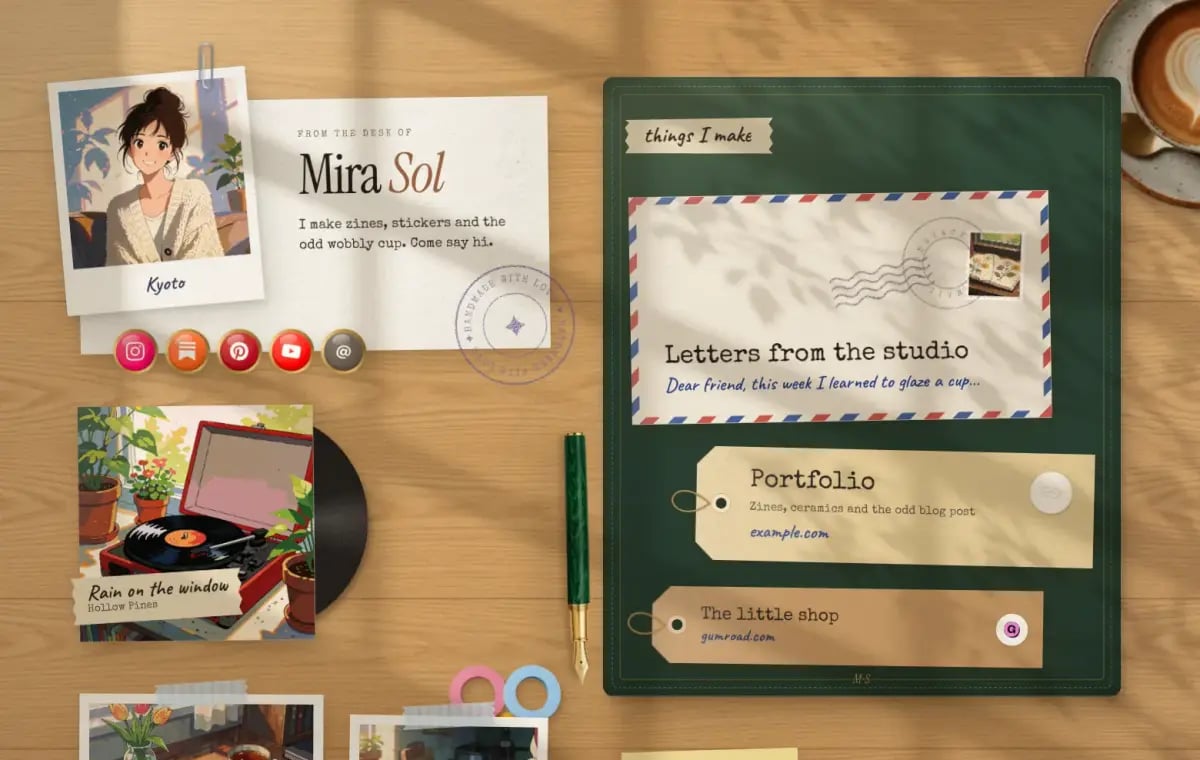
- Looks decide how the page is drawn: Desk, Washi, Lofi, Painted, Cobalt and Night. See the looks gallery.
- The page file is the JSON behind every page. Any chat app can write one, and you can open it at posy.page/new. See the page file.
- The MCP server at
https://posy.page/api/mcplets AI apps edit and publish your page. See MCP tools. - The REST API does the same over HTTP with an API key. See the API reference.